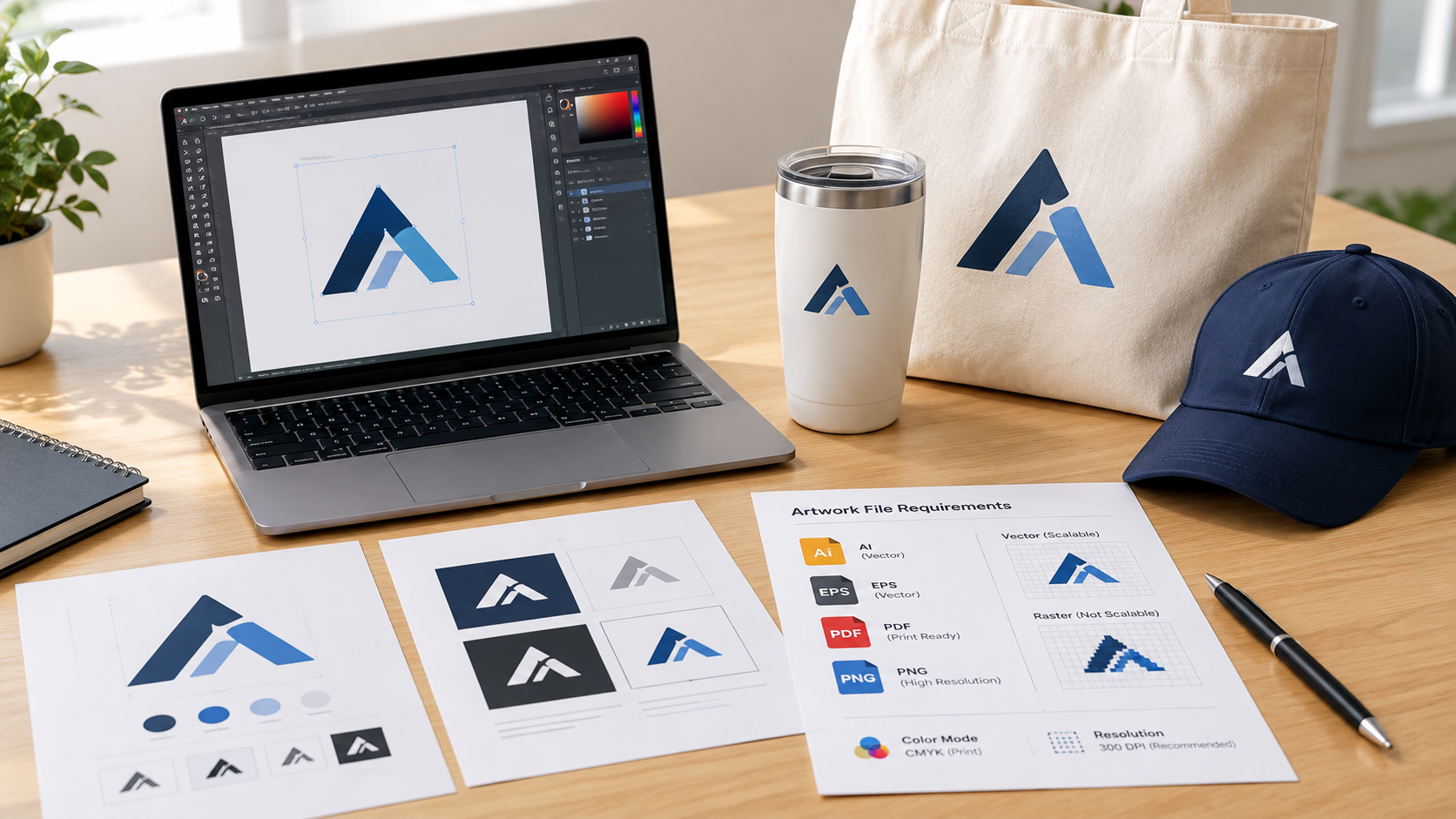
A quote can be right and the imprint can still fail. The product was fine. The file was not.
This page is the file brief: what to send, what each decoration method can use, and what to check before you approve a proof. It is not the full order sequence. That lives in how to order promotional products. Policy answers on proofs and redraws live in the FAQ. Method choice lives in screen printing vs embroidery vs DTG vs DTF.
Most promotional products require vector artwork, usually AI, EPS, or vector PDF. High-resolution raster artwork may work for full-color digital printing when it is approximately 300 DPI at the final imprint size.
Send what you have. A weak file is still useful as a reference. Say that it is a reference so cleanup sits on the calendar instead of in the crisis.
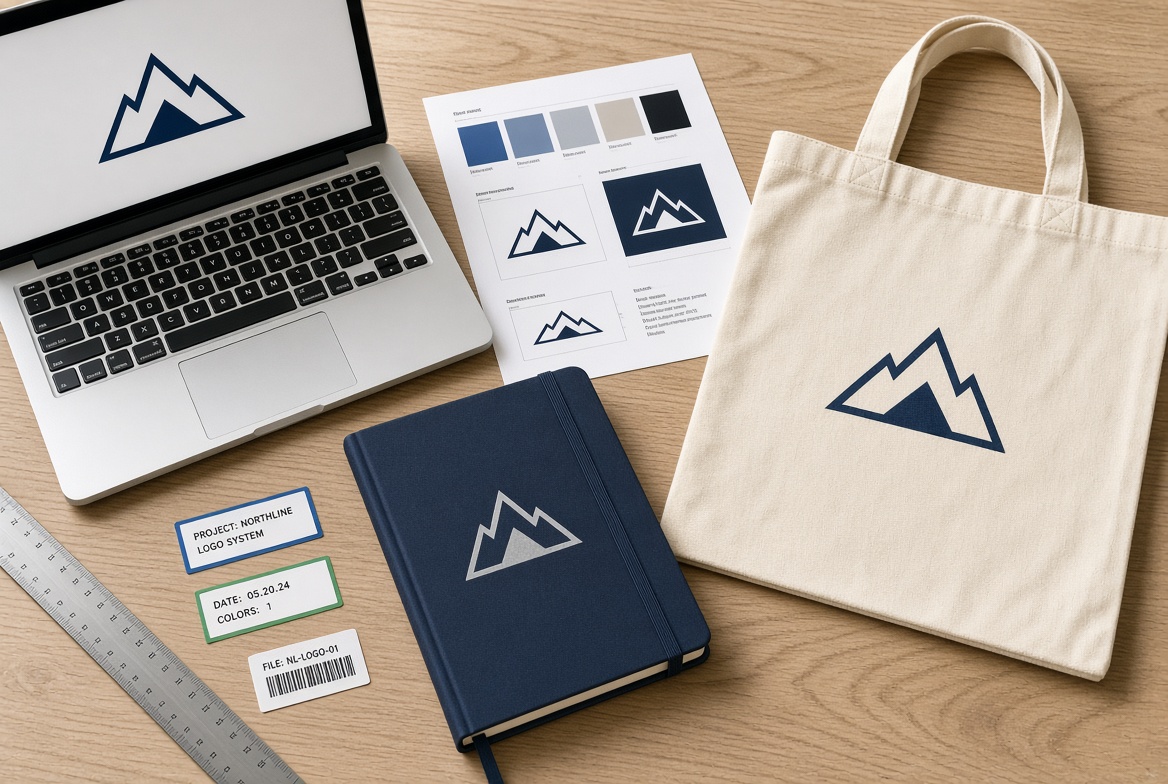
What “production ready artwork” means
Production-ready means the decorator can place your mark at the planned size, in the planned method, without rebuilding edges or guessing colors.
It does not mean the file looks sharp on a phone. Screens hide problems that a 1.25 inch pen clip will show.
Three questions decide the file:
Is the mark made of paths (vector) or pixels (raster)?
Will the method print, stitch, engrave, or press that mark?
Will the smallest letter and thinnest line still read at imprint size?
If you cannot answer those, send the best file you have plus the product and the in-hands date. We will tell you whether it can run as-is.
Vector vs raster, without the jargon pile
Vector
Drawn with paths. The most commonly accepted vector formats are .ai, .eps, and vector .pdf. Some suppliers also accept .svg. You can scale vector artwork from a pen to a banner and the edge stays clean. It is the usual starting point for screen print, pad print, embroidery digitizing, laser, and most one-color or spot-color work.
Raster
Drawn with pixels. Typical files: .jpg, .png, .tif, .psd, and screenshots. Quality depends on resolution at the final imprint size, not at the size you see on screen. A large photo can work for full-color digital print. A small website logo cannot.
A PDF is a container, not a guarantee. Some PDFs hold real vector paths. Some are just a picture of a logo sitting in a page. If you are unsure, send the PDF and the original export.
Files exported from Canva, PowerPoint, Word, or Google Slides may contain raster artwork even when saved as a PDF. The production team should inspect the file before treating it as vector.
What to send, in one list
Attach these with the first request when you have them:
Vector logo:
.ai,.eps,.svg, or a vector PDFIf you do not have vector: the largest PNG or TIFF you have, plus a note that it may need a redraw
Current brand mark, not last year’s version
PMS numbers if the brand uses them (coated book is the usual starting point for promo)
A one-color or simplified merch mark if the full logo is too detailed for the product
Where the mark should live: chest, cap front, bottle side, notebook cover
What must never appear: old tagline, wrong legal line, outdated icon
Product, quantity, decoration method if you already chose one, and the in-hands date
You do not need to size the art to the imprint box. Sizing is part of the proof.
Browse current products after the file question is clear, not before.
File needs by decoration method
The extension matters less than the method. Use this as a planning table. Confirm the method on the live SKU.
Method | File that usually works | What fails | Notes |
|---|---|---|---|
Screen print | Vector, fonts outlined, spot colors named | Hairline type, too many colors for the budget, website JPG | Each color can mean another screen. See setup fees. |
Pad print | Vector, simple mark | Tiny serifs, large color fills on a curve | Common on pens and small hard goods in office products |
Embroidery | Vector artwork for digitizing, or a properly sized stitch file (DST/EMB) created for the intended product and material | Very small script, especially letters below about 0.25 inch in height, and complex multicolor illustrations | Digitizing is a separate step. Minimum detail varies by font, fabric, size, and embroidery provider. See custom hats with logo. |
DTG / DTF | Clean vector or raster at 300 DPI at print size | Soft, tiny web logos scaled up | Better for detailed art on apparel. Choose the garment first in bulk custom apparel. |
Laser / engraving | Vector paths, one-color version | Soft shadows, photographs, thin gray type | The mark becomes a cut or etch, not ink. Common on drinkware. |
Deboss / foil | Vector, open shapes, limited fine detail | Tight negative space, tiny counters in letters | Leather and some notebooks need air in the mark. |
Full-color digital on hard goods | Vector plus any photo at 300 DPI at size | 72 DPI website art | Good when the logo has gradients the screen process cannot hold. |
If the sample used a different method than the bulk run, the approved look can change. That problem belongs on spec samples vs random samples, not on this page.
Resolution rules that actually matter
DPI only applies to raster files.
300 DPI at the final imprint size is the safest general standard for full-color print on promotional products, although requirements vary by supplier and decoration method.
72 to 96 DPI is what most websites serve. It looks fine on a monitor and soft on a tote.
Raising DPI in software after the fact does not add detail. It only relabels the same pixels.
Vector files do not have DPI. That is why they are the safer send.
Check the file at 100 percent of the planned imprint size, not zoomed out on a 27 inch screen.
Large-format banners viewed from several feet can sometimes run at a lower effective resolution. A 1 inch cap front cannot.
Color: PMS, product color, and contrast
Send a Pantone number when the brand requires a match. Coated (C) numbers are the usual starting point for ink on promo products. Uncoated (U) can look different on paper and on fabric. Name the book you are using.
What a PMS number cannot do:
Make navy thread look like navy ink
Make a laser etch look like a printed blue
Hold the same on black silicone, white cotton, and brushed steel
Contrast beats brand-book purity on small items. A dark mark on a dark bottle disappears. A white or light imprint on a dark tumbler is often the honest choice.
Full-color digital uses CMYK or the decorator’s process, not a single spot ink. If the brand book only lists RGB for the website, say so. We will convert and show the result on the proof.
Stock imprint colors exist on many pens and low-cost items. They are close to common PMS values, not a lab match. Ask which book the factory is matching.
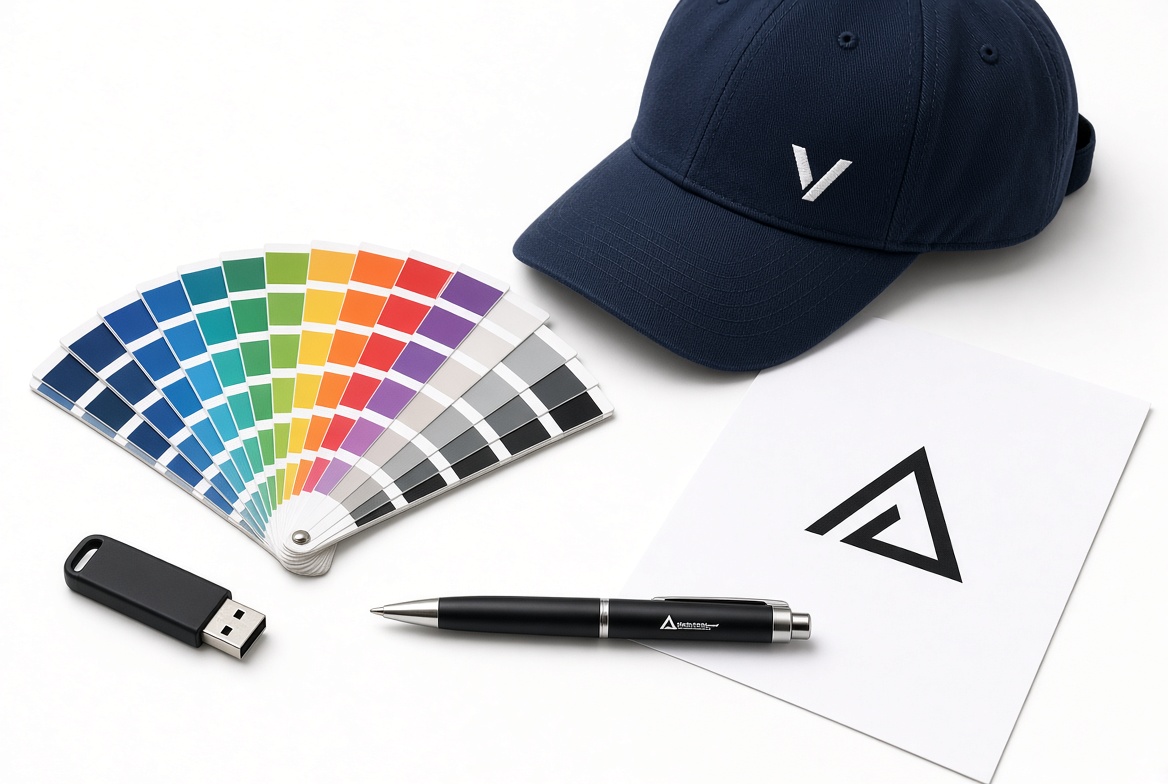
Fonts, outlines, and the merch version of the logo
Convert text to outlines, curves, or paths before you send an Illustrator or EPS file. That keeps the letter shapes from substituting when the decorator does not have your font.
If the text must stay editable, include the font files and written permission to use them on this order.
Build a merch version when the primary logo is a paragraph, a thin signature, or a detailed illustration. A website lockup that includes a tagline, URL, and icon will not fit a pen, a cap front, or a 2 inch bag patch.
Useful merch versions:
Icon only
Wordmark only
One-color solid version
Two-color version for apparel
Keep the full lockup for bags and larger print areas. Put the short version on small goods.
Imprint area is smaller than the product
A 16 inch tote is not a 16 inch print. The usable box is the flat panel the decorator can reach, minus seams, zippers, buttons, and curves.
Typical planning sizes, not promises on every SKU:
Pen clip or barrel: often under 2 inches wide
Cap front: often about 2 to 2.25 inches
Left chest: often 3 to 4 inches
Bottle or tumbler wrap: check the live area. Curves shrink usable height.
Notebook cover: large enough for a wordmark, still not a poster
If the mark only works at website size, simplify it. Do not ask the factory to shrink a homepage header onto a clip.
Files that usually get rejected or rebuilt
Logo copied from a website, email signature, or LinkedIn
Photo of a business card
Slide export from PowerPoint
Word or Publisher document
Transparent PNG that is 400 pixels wide
Last year’s mark with a retired tagline
A stitch file built for a different size or fabric
A full-color photo sent for one-color pad print
The FAQ covers typical redraw ranges when a website JPG has to become a vector. That fee is quoted before work starts. The quote should also state whether the completed vector file will be provided for reuse on later orders.
What the virtual proof will and will not show
A virtual proof checks spelling, version, size, placement, and approximate color on a drawing of the product. Approve those things. That is the job of the proof.
It will not prove:
Stitch density
How ink sits on a textured bottle
Exact PMS on dyed fabric
Whether a lid leaks
How the mark looks after ten wash cycles
If feel or contrast will decide the order, request the right physical sample after the file is clean. Use spec samples vs random samples to pick the box.
Rush programs need a ready file on day one. Cleanup and 24-hour rush do not share a clock.
Email template for the art brief
Copy this into the quote request:
Product and colorway, or two SKUs if you are comparing
Decoration method if you already know it
Artwork files attached, with the current version named
PMS or “closest stock color is fine”
One-color merch mark attached if the full logo is detailed
Placement: chest, cap front, wrap, other
Legal line or tagline that must be included or excluded
In-hands date and whether a redraw can sit on the calendar
If you are ordering several items, send one art pack and say which mark goes on which SKU. Five slightly different files is how the wrong version lands on the hoodie.
Common mistakes
Sending the website favicon and hoping it scales
Treating a Canva PNG as vector because the download said “print”
Asking embroidery to hold hairline serifs
Matching PMS on screen instead of on the product color
Changing the logo after the proof and expecting the same date
Using a stitch file digitized for a 4 inch chest on a 2 inch cap
Putting URL, phone, icon, and tagline on a pen
Send the file that matches the method
If the mark must stay sharp at any size, send vector. If the job is a photograph on apparel, send a high-resolution raster at print size. If you only have a website image, send it early and say so.
Attach the file, the product, and the date. We will tell you whether it can decorate as-is. The same check applies to all your custom promotional materials, from apparel to pens and bags.
Not sure whether your artwork is production-ready?
Send us your logo, preferred product, quantity, and required delivery date. We will review the file and explain what is needed before production. Once the file is ready, the same artwork can be adapted for screen printed t-shirts, embroidered caps or pad printed pens.